#Management and admin
6 key steps to register a historic vehicle
Discover the 6 essential steps to register a vehicle as historic. What extra technical paperwork you need and how to get it easily.

24 Feb, 2025 #Management and admin
The Dirección General de Tráfico (DGT, Spain’s traffic authority) offers several reports with detailed information on vehicles registered in Spain. In this article we compare the different types of reports available, show visual examples and guide you through how to read them so you can make informed decisions.
The DGT provides several types of reports, each with a specific purpose:

| Report type | Main content | Who can request it |
|---|---|---|
| Reduced Report | Basic information: date of first registration, incidents. | Anyone |
| Full Report | Administrative data, ITV history, mileage, liens, etc. | Anyone |
| Technical Data Report | Vehicle technical specifications. | Anyone |
| Liens Report | Information on attachments, seals, reservations of title. | Anyone |
| Vehicles in My Name Report | List of vehicles registered in the applicant’s name. | Keeper or authorised person only |
| Unregistered Vehicles Report | Status of unregistered vehicles. | Anyone |
| Vehicle Ownership Report | Identification of the current keeper in a specific period. | Anyone |

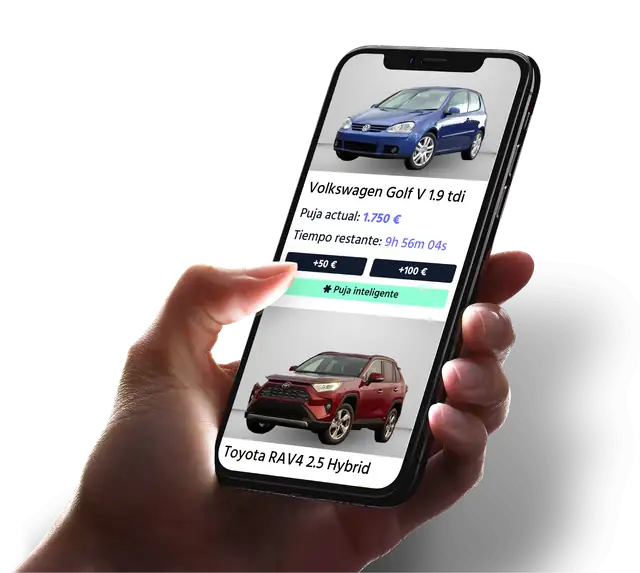
Are you a professional and still haven’t tried the Veiko* app?
Download it now and improve your experience
Download now!The header shows the registration details and warnings or key data, with icons in boxes that tell you whether insurance and the ITV are valid. If there are incidents such as liens or attachments, it also warns you with an icon in the header of each page of the report, stating “vehicle with liens or encumbrances”, as shown in the image.

Below we cover the most relevant sections of the Full Report:
The cost of DGT reports varies by type:
These prices may change. For more information and to request a report, visit the official DGT page: DGT – Vehicle report.
At Veiko* we check that all our vehicles are free of liens, aiming for maximum transparency for our customers. If you are a professional, register now and access the weekly auctions with complete confidence
#Management and admin
Discover the 6 essential steps to register a vehicle as historic. What extra technical paperwork you need and how to get it easily.
 #Management and admin
Discover the exceptional cases when applying for a duplicate ficha técnica (registration document) and how to handle each situation correctly.
 #Management and admin
Need a duplicate ficha técnica? Find out how to get one, why it can be a warning sign, and how Veiko helps you check it.
Download our app!
Access the best vehicle auctions from anywhere. Enjoy a fast, easy way to find the car you want and place bids from your phone. Start now!